ABC2TAB FOR IPHONE & IPAD
From ABC text
to playable TAB.
Paste ABC notation or find a tune on The Session. Choose an instrument, then turn the melody into practical TAB, fingering, and notation.
 Up to 30 free conversions per day. Pro expands saving and file export.
T:The Kesh
R:jig
M:6/8
K:D
|:DFA AFD|
HOW IT WORKS
Three steps from ABC to a playable score.
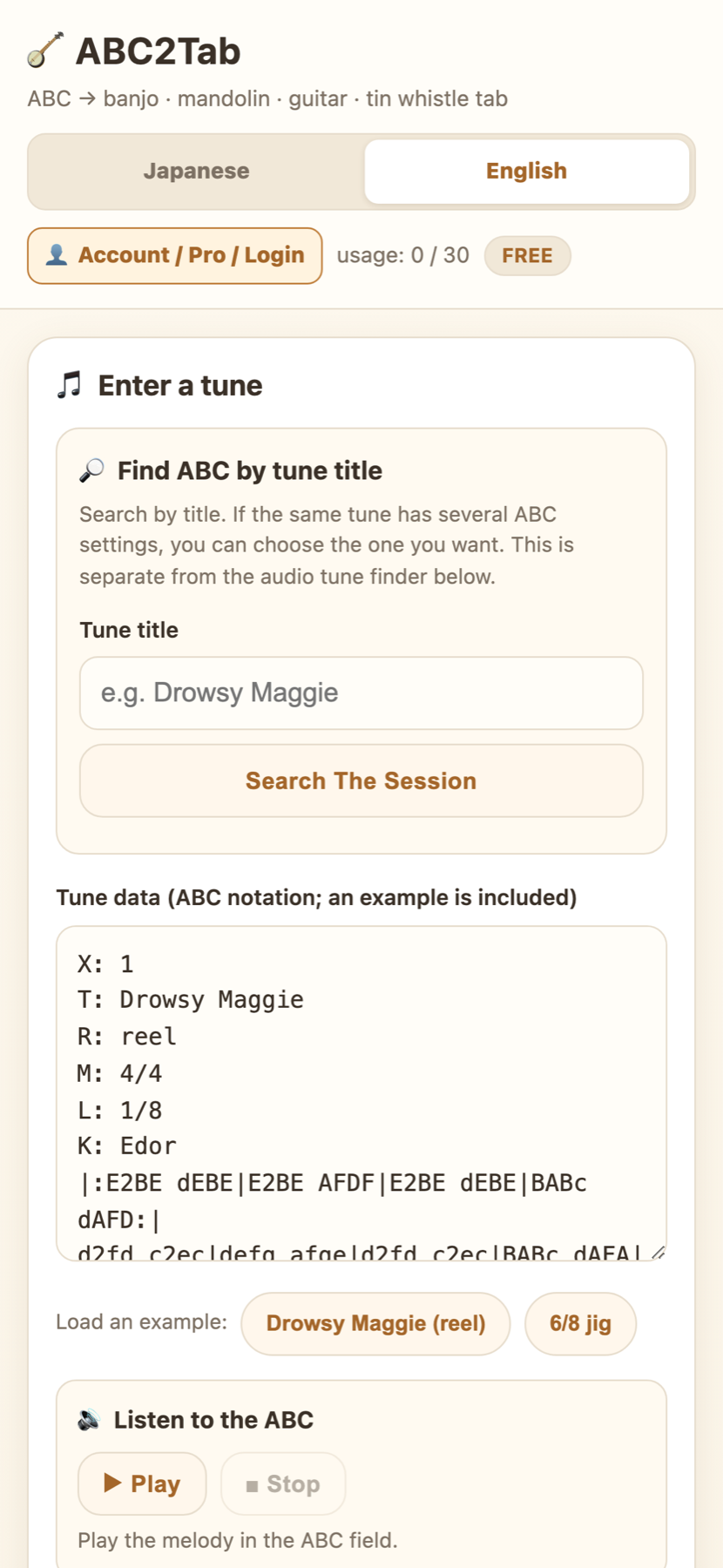
Start with your own ABC notation or search The Session by tune title and choose the setting you want.
Bring in the ABC
Paste ABC notation, or search The Session by title and choose the ABC setting you want to use.
Choose an instrument
Select GDAE tenor banjo, mandolin, guitar, tin whistle, or another supported notation view.
Show the TAB
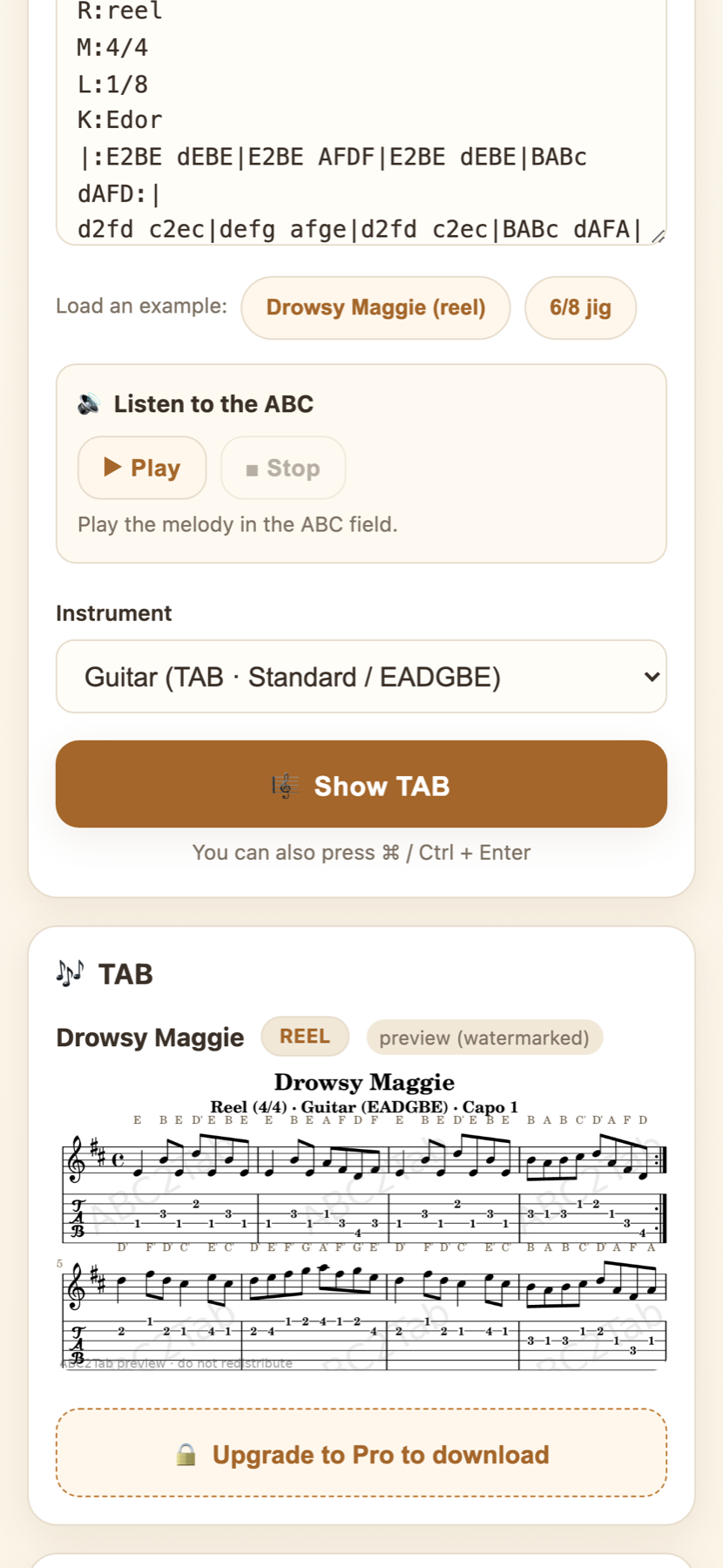
Select “Show TAB” to generate the score, then play the ABC melody while you practise.
REAL APP SCREENS
A clear path from tune search to practice.
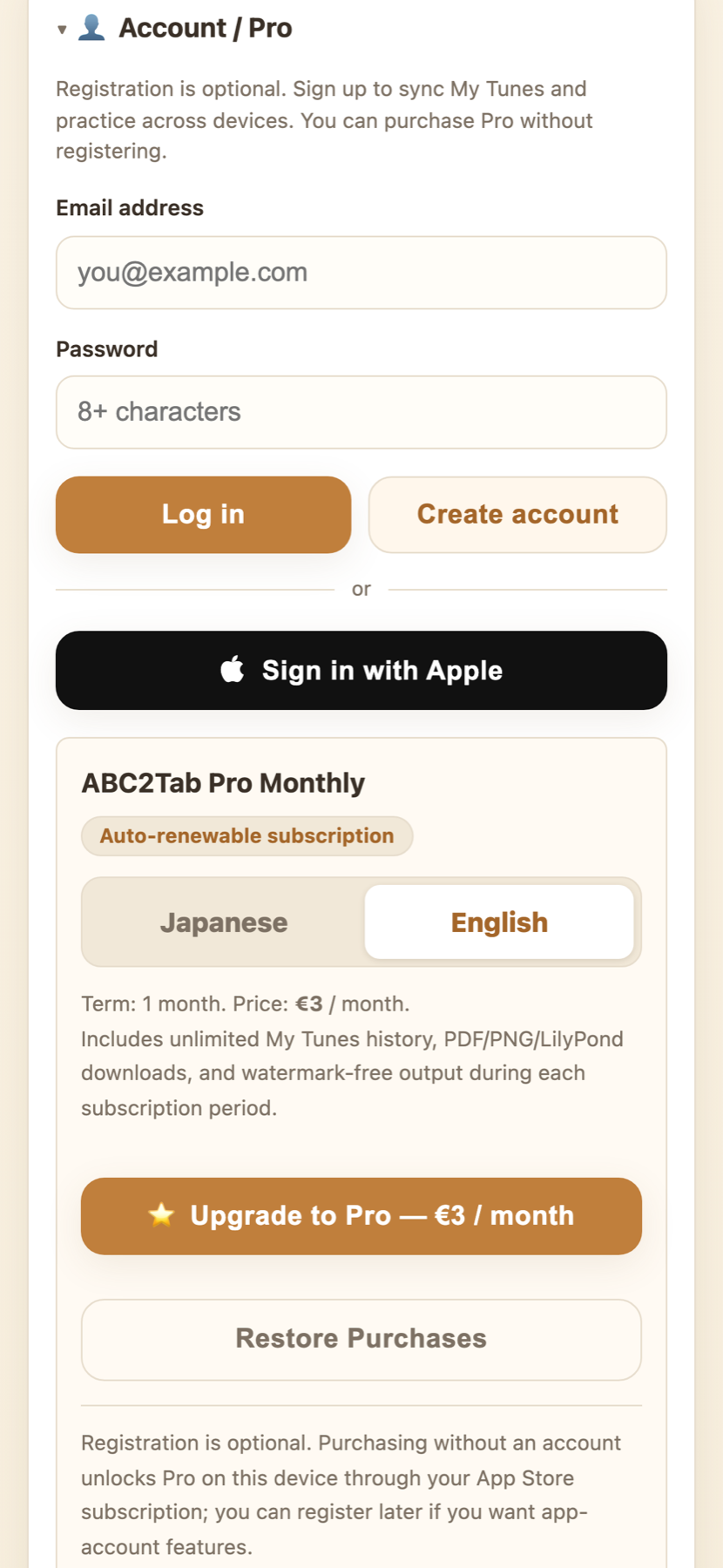
The English interface keeps ABC input, instrument choice, score output, and Pro options in one practical workflow.
PRACTICE WORKFLOW
Built around the way session players learn.
Find the setting, turn it into an instrument-specific view, listen back, and keep practising from the same ABC source.
Notation for traditional instruments
Create GDAE tenor-banjo and mandolin TAB, guitar TAB in multiple tunings, tin-whistle fingering, and fiddle notation.
The Session search
Search public ABC by tune title and choose between multiple settings when a tune has more than one.
Listen and check
Play the melody from the ABC field. A recording or audio file can also return possible tune matches.
Audio matching presents candidates for clear, single-note performances of Irish traditional tunes. Confirm the tune and ABC setting before using the result.
ABC2TAB ON THE APP STORE
Make your next tune playable.
Free use includes up to 30 conversions per day. Get ABC2Tab from the App Store and turn your next ABC tune into TAB, fingering, and notation.